Design a Digital Photo Album That Tells Your Story
Bring your memories to life with our personalized photo albums, designed to perfectly capture your most treasured moments in a way that is both timeless and beautiful.

- Select photos from your computer, or look for media using our Smart Search. When using our Smart Search, the relevant captions will be automatically inserted into your virtual album!
- Our user-friendly editor automatically takes care of photo placement for you
- Use our album maker to create your own custom photo book from scratch or choose from our selection of professionally designed photo album templates
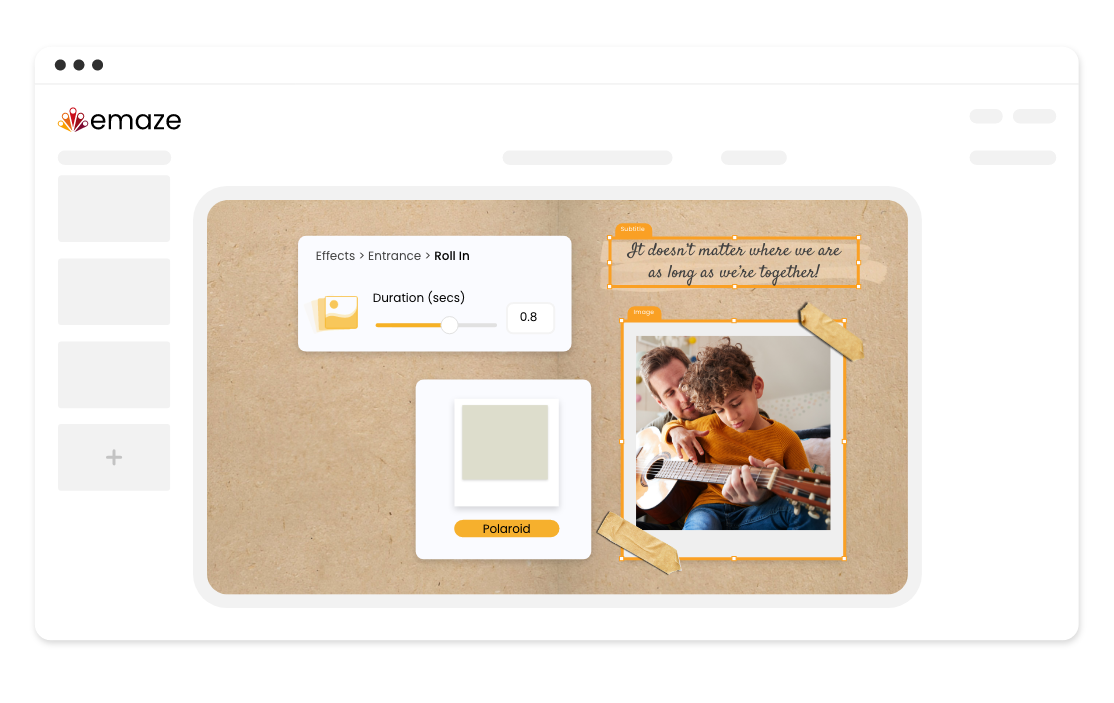
- Personalize your album with text, objects, and illustrations that reflect your style. For a more interactive experience, add animations to your elements
- Arrange the layout and pages in a way that highlights your favorite memories
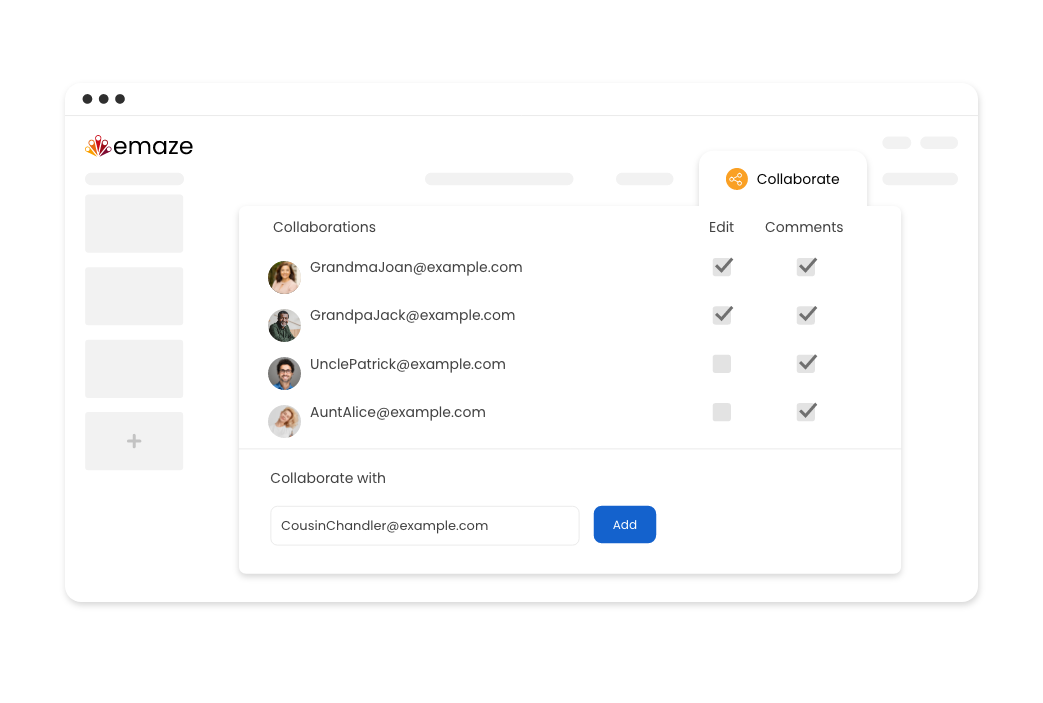
- Involve family, friends, and colleagues in creating a photo album that combines your best memories. Invite both members and non-members to collaborate
- Allow collaborators to make suggestions and edits, all in one place
- Skip the third-party editing tools and save time with our built-in photo editor
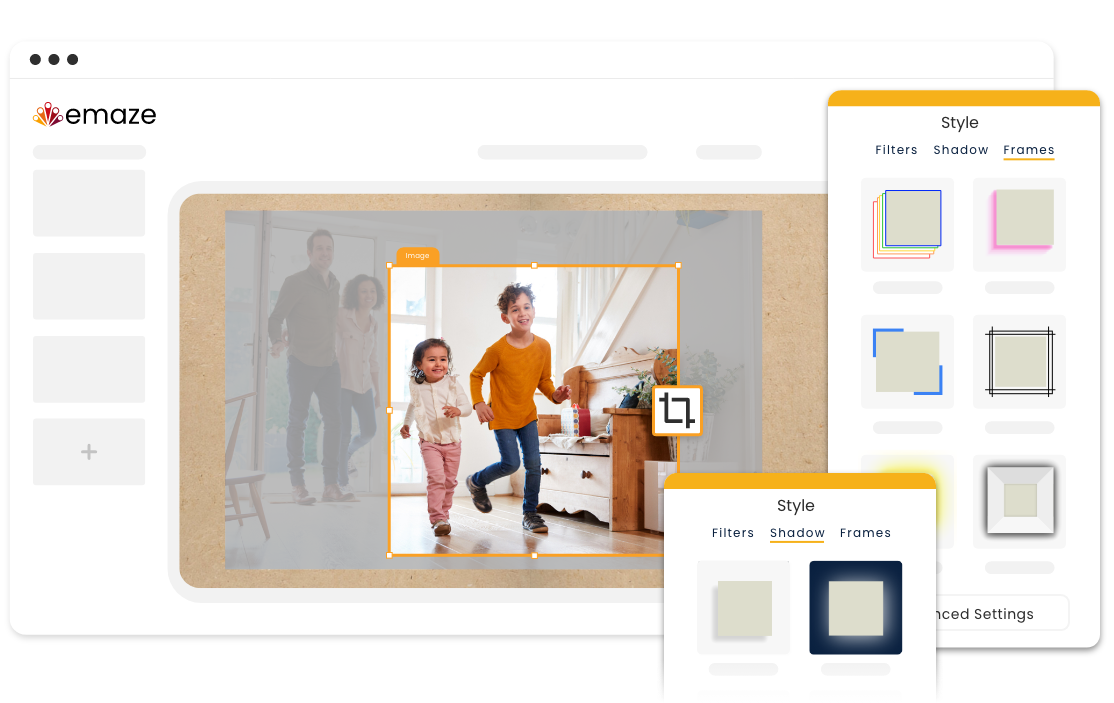
- Crop images and edit them further by adjusting borders and opacity
- Add style and depth to your images with 3D effects, filters, shadows, and frames to truly make your photos jump off the page
Unlock the full potential of our dynamic editor
Shareable
Share your album via link, email, QR code, and on various social media platforms
Website Integration
Showcase your amazing digital photo album by embedding it on your website
User-Friendly
Create a photo album with our intuitive editor, no technical skills required
Privacy
Choose who can view your photo album with public, private, and team privacy settings
Photo Upload Options
Upload images from your computer or from our Smart Search
Quick Downloads
Download your personalized photo albums in a variety of formats including PDF, HTML, and MP4
Templates
Looking for a wedding, baby, or family photo album? We’ve got photo album templates for every occasion.
Family
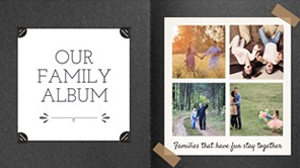
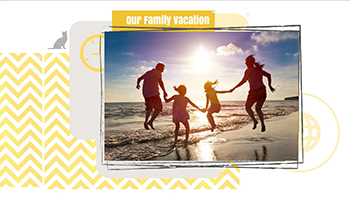
Treasure heartwarming memories for many years to come with our family photo album templates. Celebrate every event from birthdays to holidays and everything in between.
Travel
Relive unforgettable experiences with our aesthetic travel photo album templates. Whether you’re exploring bustling cities or serene landscapes, our templates make it easy to create an album that reflects your unique style and experiences.
Creative
Let your imagination run wild with our creative photo book templates. Add captions, illustrations, and effects to make your digital photo album truly stand out.
Special Occasions
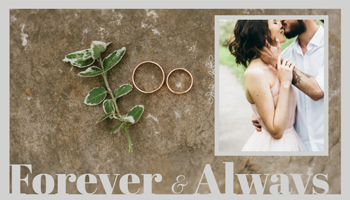
Commemorate special occasions like graduations, weddings, or milestone birthdays with a keepsake that rejoices the spirit of the occasion.
How It Works
Create a digital photo album in just a few clicks
-
Step 1
Choose a category and select a template from our large collection. Whether you’re looking for a wedding or family photo album, we’ve got it all!
-
Step 2
Upload media and other inputs to the emaze AI Builder from your computer or use our Smart Search to find the perfect pictures. Using AI, emaze AI will optimize input and media placement
-
Step 3
Click “Create Now” and watch as the magic happens
-
Step 4
You can then share, edit, or view your virtual photo album as a slideshow
Frequently
asked questions
Answers to the most frequently asked questions.
Absolutely. That’s one of the things that makes our photo album maker so extraordinary! Easily upload videos directly from your computer, paste a link from the web, or embed them into your virtual album to create an even more interactive experience for your viewers.
Of course! Simply download your photo album as a PDF file and print for results that look just as good on paper as they do on screen.
You can share your photo book by clicking on the “Share” icon, making your project public, and sharing it via email, link, QR code, and on various social media platforms!
Of course! Select a blank template and design your own layout to get it just the way you want it to look. Customize every aspect of your photo album, from the background design and color to the arrangement of your photos.